Camera + Mic
Validate webcam access, microphone level, and technician pass/fail confirmation.
CS-TEST helps verify camera, microphone, speaker, mouse/touchpad, keyboard, and final report flow from one clean browser-based interface.
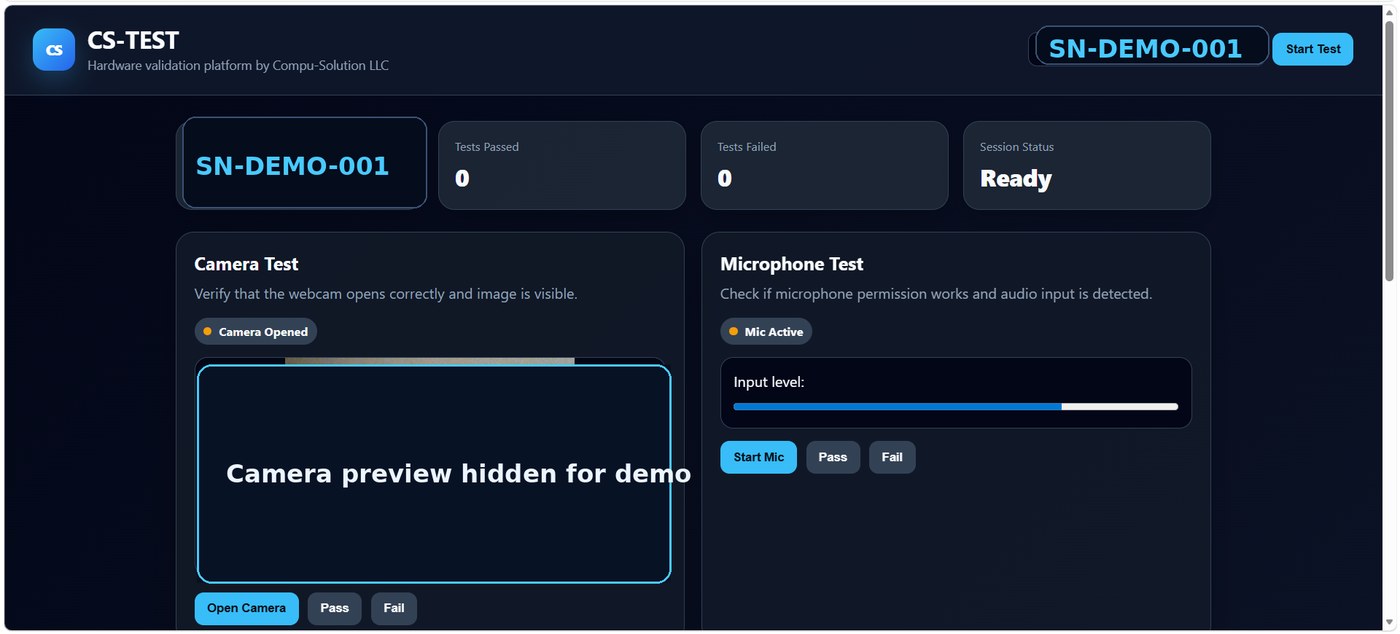
Simple technician flow today, ready to connect later with CS-TOOLS, projects, reports, and the CS Platform dashboard.
Validate webcam access, microphone level, and technician pass/fail confirmation.
Dedicated full keyboard layout with numeric keypad and visual key detection.
Generate a clean validation summary that can later be saved as CSV, PDF, JSON, or database records.
Demo screenshots are sanitized for public presentation.
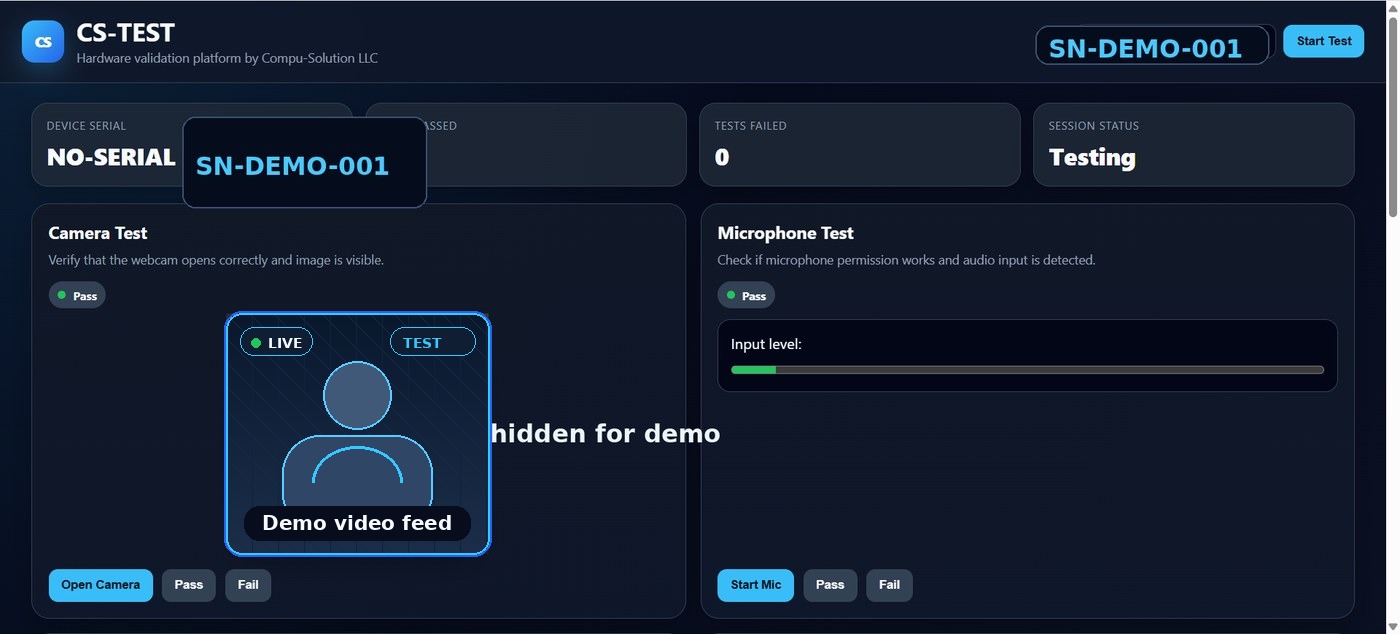
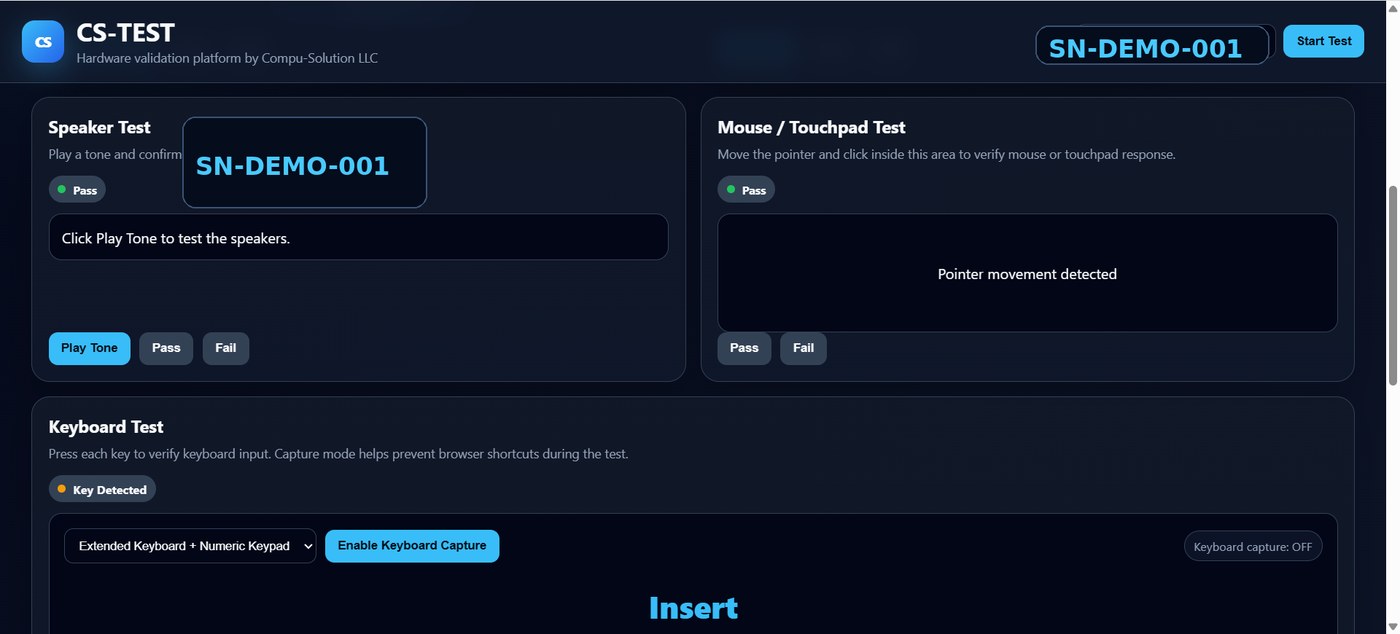
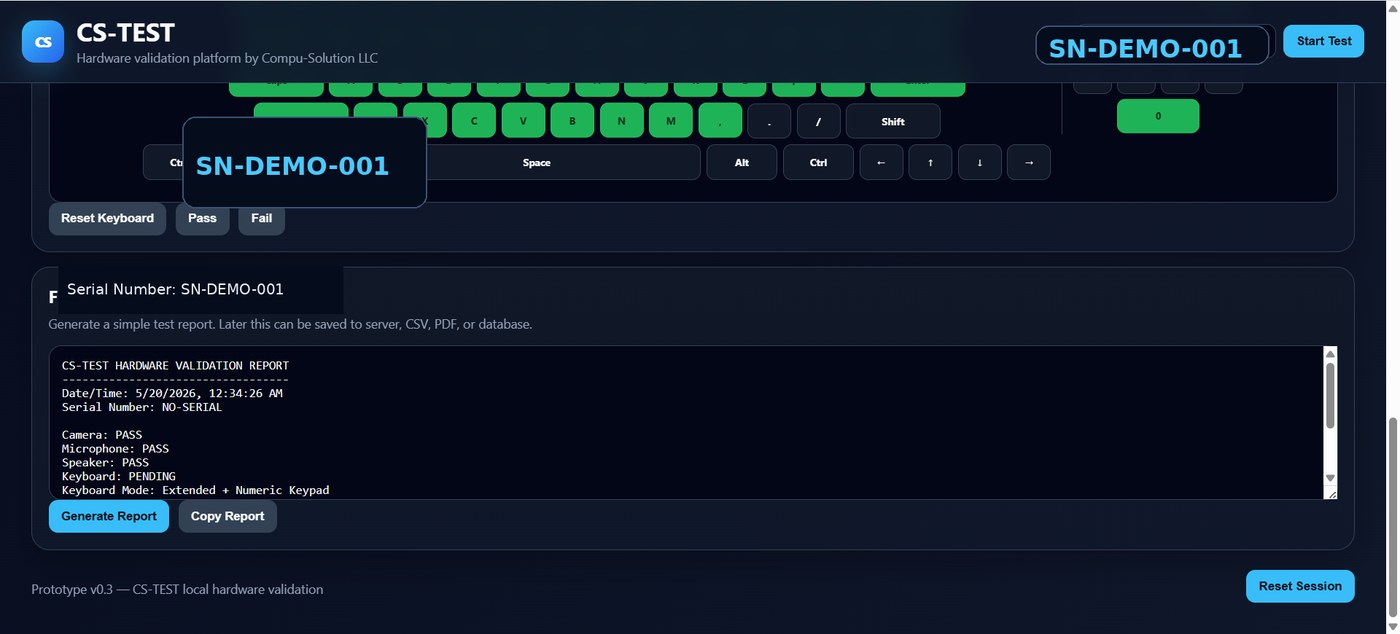
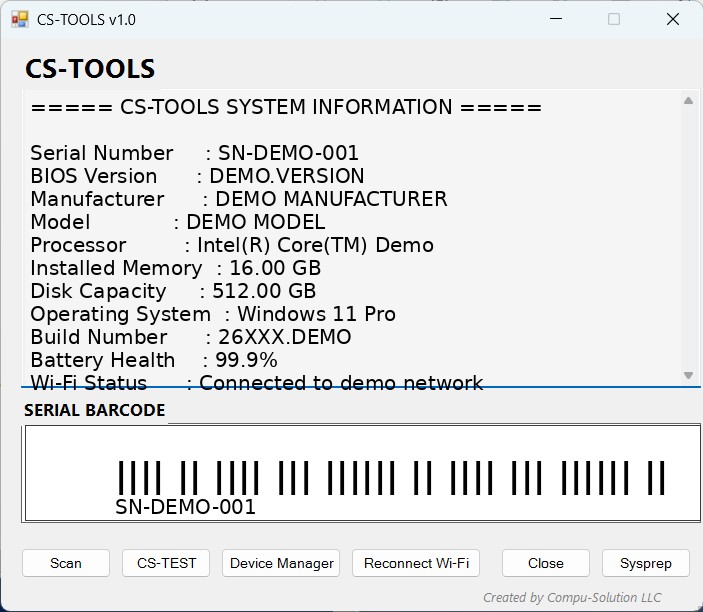
Current demo opens CS-TEST directly. The next step is launching it from CS-TOOLS with device data and permissions handled by policy.
Technician opens CS-TOOLS.
CS-TOOLS connects Wi‑Fi and opens CS-TEST.
Technician runs hardware validation.
Report is copied or sent to CS Platform.
Open the functional CS-TEST page and start validating hardware.